
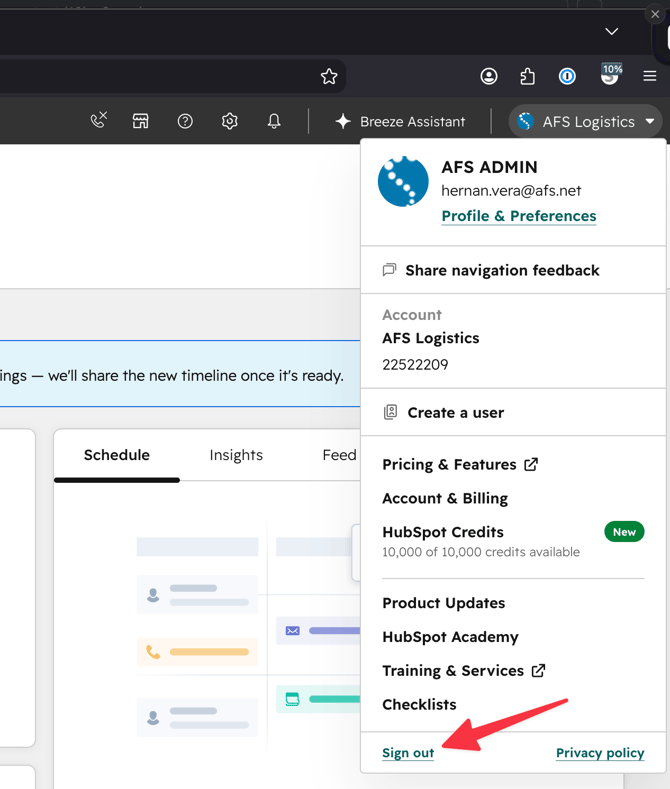
1. Sign out of HubSpot
If you're currently logged in, sign out first (Account menu → Sign out), then close your browser completely.
2. Go to the HubSpot login page
Open a browser and go to https://app.hubspot.com/login
3. Enter your AFS email
Type in your afs.net email address, then click Continue.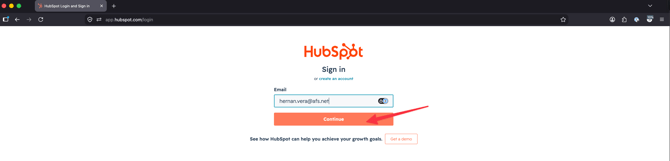
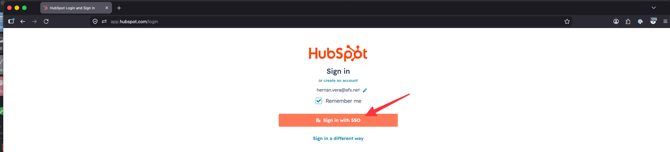
4. Click "Sign in with SSO"
On the next screen, click Sign in with SSO.
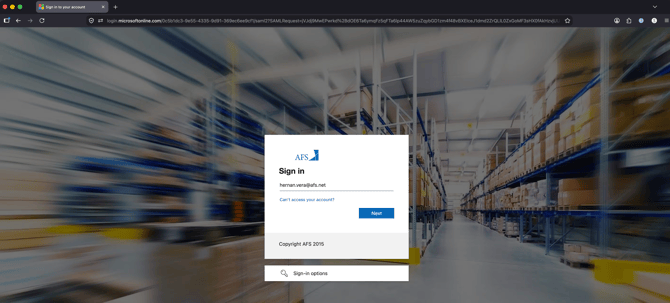
5. Complete SSO sign-in
You'll be redirected to the Microsoft sign-in page. Enter your credentials and complete sign-in as usual.
You should now be signed into HubSpot.
Troubleshooting
If you run into issues signing in:
- Clear your cookies and cache for hubspot.com.
- Close your browser completely.
- Go back to Step 1 above and try again.
- If the issue persists, log a ticket with the Sales Outcomes HubSpot team